
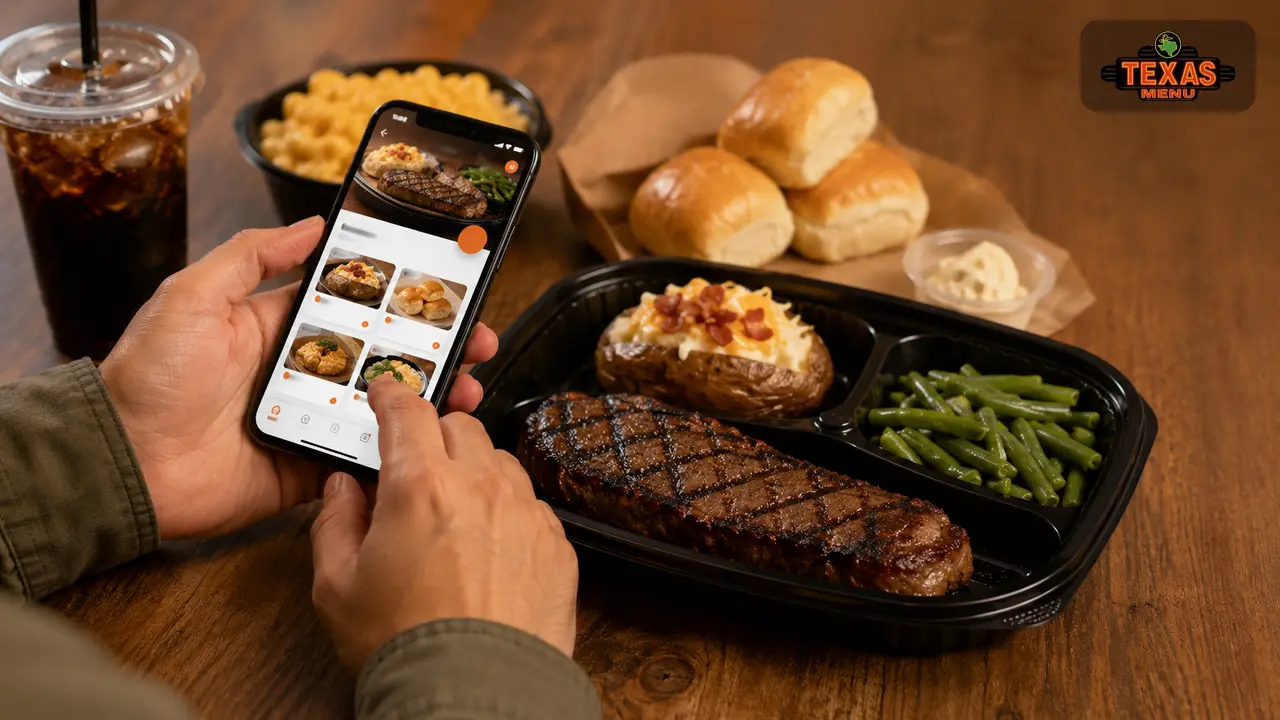
Texas Roadhouse has built its reputation on hand‑cut steaks, country‑style sides and friendly service. In 2026 the chain’s mobile app brings that experience to your fingertips, allowing you to skip the line, order food to‑go, and access special rewards. If you’re new to the app or want to explore its full potential, this guide walks you through everything from installation to checkout, along with tips for maximizing savings.
Why Use the Texas Roadhouse App?
The app enhances your dining experience in multiple ways. You can join the restaurant’s waitlist remotely, so you’re counted in line before leaving home. It streamlines to‑go ordering—choose dishes, customize sides, pay and schedule pickup without having to call. You can favourite locations and meals for quick reordering and receive VIP offers directly in the app. Plus, features like hands‑free menus and digital gift card purchasing make the app useful even when you’re dining in. In short, it combines convenience, customization, and loyalty rewards in one place.
Key Features at a Glance
| Feature | What It Does | Citation |
|---|---|---|
| Join the Waitlist | Check real‑time wait times, add your name and party size, and receive a text when your table is ready. | App store listing |
| Order To‑Go | Build and customize your to‑go order, pay with credit or gift cards, and apply VIP offers. | Google Play listing |
| Favorites & Reorder | Save locations and meals for faster future orders. | Google Play listing |
| VIP Club & Rewards | Sign up for the VIP Club, earn points on purchases, and redeem offers and birthday rewards. | App guide |
| Hands‑Free Menu | View a digital menu in restaurant without touching paper menus. | App store listing |
| Gift Card Management | Buy, send, and store digital gift cards directly in the app. | App guide |
| Location Finder | Search nearby restaurants using GPS or zip code. | App guide |
| Order Tracking | Track your to‑go order status and curbside pickup instructions. | App guide |
Step‑by‑Step Setup
1. Download & Install
The app is free on both iOS and Android. Open the App Store or Google Play Store, search “Texas Roadhouse” and tap Get or Install. The download is about 70 MB on iOS and slightly smaller on Android.
2. Create or Log In to Your Account
Launch the app. If you’re a first‑time user, tap Create Account. Enter your name, email address and a secure password; you can also sign up using a social login like Facebook. Returning users simply select Log In and enter their credentials. Your account lets you save payment methods, track orders and earn rewards.
3. Set Your Location
On first use the app asks for location access to find nearby restaurants. Grant permission or manually enter your city or ZIP code to set your preferred location. You can favourite locations for quick access later.
Using the App for Dine‑In: Joining the Waitlist
Long lines are common at Texas Roadhouse, but the app’s waitlist feature minimizes your time in the lobby. Here’s how it works:
- Tap Waitlist: From the home screen, tap Join Waitlist.
- Select Location: Use your current location or search for your desired restaurant.
- Enter Party Details: Specify the number of people in your group and any special requests, such as a highchair or wheelchair access.
- Provide Contact Info: Add your name and phone number so the restaurant can text you updates.
- Confirm: Tap Let’s Go or Submit. You’ll see an estimated wait time on the screen and receive a confirmation message.
When you arrive at the restaurant, tell the host you’re on the waitlist. They’ll confirm your details and give you an updated wait time. Arriving within the quoted window is important; coming late may cause you to lose your spot.
Tips for Waitlist Success:
- Join early during peak hours (weekends after 5 p.m.) to cut your wait to 30–60 minutes instead of more than an hour.
- If you have children, joining from home prevents hungry kids from waiting in the lobby.
- Always confirm your arrival at the host stand—otherwise the system may mark you as absent.
Using the App for To‑Go Orders
1. Choose “Order To‑Go”
From the home screen, select Order Now or Order To‑Go. This opens the Texas Roadhouse menu, sorted by categories (steaks, ribs, chicken, burgers, salads, sides and desserts) similar to the website ordering process. You can also order family packs that serve 3–4 people, which include an entrée, salad, two 16‑ounce sides and fresh rolls.
2. Customize Your Items
Tap an entrée to open its customization options. You can select steak temperature, swap sides, add toppings like sautéed mushrooms or onions, and upgrade your dish with shrimp or ribs. For sides, choose from baked potatoes, mashed potatoes, seasoned rice, green beans, steak fries, fresh vegetables or a salad. Adjust portion sizes and specify special instructions such as sauce on the side or gluten‑friendly preparation.
3. Add Extras
You can add the chain’s legendary rolls to your order under the Sides & Extras section. Choose a half‑dozen or dozen; each comes with honey cinnamon butter. If you don’t see them listed, call your restaurant and request to add rolls to your to‑go order. You can also add additional dressings, sauces, or drinks like flavored lemonades.
4. Review Your Cart & Apply Offers
After building your meal, open your cart to review items and quantities. The app allows you to apply digital coupons and VIP club offers before checkout. If you’re a rewards member, you may have earned points towards free appetizers or desserts. You can also enter promotional codes from marketing emails.
5. Choose Pickup Method & Schedule
Select carry‑out or curbside pickup. For curbside, you’ll need to provide your vehicle make and color. Choose your pickup time—same‑day slots are usually available within 20–30 minutes, but you can schedule further out for busy evenings or large orders. The app will show the estimated ready time and send a notification when your order is prepared.
6. Pay Securely
Proceed to checkout. The app accepts major credit cards, digital wallets like Apple Pay and Google Pay, and Texas Roadhouse gift cards. You can store multiple payment methods for future orders and select one at checkout. VIP offers and coupons are applied automatically if you qualify.
7. Pickup & Enjoy
Arrive at the restaurant at your scheduled time. For curbside, park in the designated to‑go area and tap the I’m Here button to notify staff; they’ll bring your order to your vehicle. For carry‑out, head to the to‑go counter inside. Double‑check your order contents—including rolls and condiments—before leaving.
Managing Rewards and VIP Offers
Texas Roadhouse’s loyalty program integrates into the app so you can accumulate points and redeem rewards.
- Sign Up for Roadhouse Rewards: Join through the app’s Rewards or VIP Club section. Provide your birthday and contact information to receive a free dessert or appetizer coupon on your birthday.
- Earning Points: Every dollar spent on to‑go or dine‑in purchases earns points. Track your balance in the rewards section.
- Redeeming Rewards: When you accrue enough points, redeem them for free items or discounts on future orders. The app shows available offers and automatically applies them at checkout.
- Exclusive Offers: The app often features exclusive promotions—such as discount codes or buy‑one‑get‑one deals—that aren’t available on the website.
Additional Features
- Hands‑Free Menu: While dining in, scan the QR code at your table and access a digital menu through the app, eliminating the need to handle paper menus.
- Digital Gift Cards: Purchase and send gift cards to friends or family or add your own card balance directly to the app. You can use stored gift cards at checkout.
- Location Finder: Use GPS to locate nearby restaurants or manually search by city or ZIP code. The app provides addresses, phone numbers, hours and directions.
- Order Tracking: View your order status in real time. For curbside pickup, the app notifies you when your order is ready and instructs you where to park.
- Customer Support: Submit feedback or questions through the app’s contact section. This is useful for reporting issues with your order or requesting assistance.
- Notification Settings: Opt into push notifications for order updates, special promotions and events. You can adjust these settings any time.
Money‑Saving Tips for App Users
- Early Dine Specials: Many locations offer discounted meals before 6 p.m. Monday through Thursday and during lunch hours. Use the app to check local participation and order early dine entrées at lower prices.
- Family Packs: Ordering a family meal package via the app bundles entrée portions, salads, sides and rolls at a discount—often feeding four people for less than purchasing separate meals.
- Kids’ Meals: For smaller appetites, select a children’s meal from the app. It includes a side and drink at a lower cost and still comes with unlimited rolls and peanuts.
- VIP Club Offers: Join the VIP club to receive welcome and birthday coupons. Apply these in the app for free appetizers or discounts.
- Check Deals Section: The app’s deals section lists current promotions and coupon codes. Apply them at checkout to save on your meal.
Frequently Asked Questions (FAQs)
The app lets you join the waitlist, order food to‑go, browse the full menu with descriptions and photos, manage gift cards and payment methods, track rewards points, and access exclusive offers.
Tap Join Waitlist, choose your location, enter party size and contact details, then confirm. You’ll see an estimated wait time and receive a notification when your table is ready.
Yes. You can select steak temperature, choose different sides, add toppings, request sauces on the side and leave special instructions. Don’t forget to add rolls under Sides & Extras.
The app accepts major credit cards, digital wallets (Apple Pay, Google Pay) and Texas Roadhouse gift cards. You can store multiple payment methods for future orders.
Join the loyalty program through the app, earn points on every purchase and redeem them for free items or discounts. Birthday offers and VIP coupons are also available.
Conclusion
The Texas Roadhouse mobile app is more than a digital ordering tool—it’s a complete companion for planning your next steakhouse visit. From joining the waitlist and ordering food to managing gift cards and earning rewards, the app puts control and convenience at your fingertips. Use this guide to install and set up the app, customize your meals, and take advantage of early dine specials and VIP offers. Whether you’re picking up a family pack for dinner, grabbing rolls for a party or dining in with a shortened wait time, the Texas Roadhouse app makes every meal faster, easier and more rewarding.
Check Also: Texas Roadhouse Online Order — Step‑by‑Step Guide 2026